Get Your All Event
Navigate to the Events Page
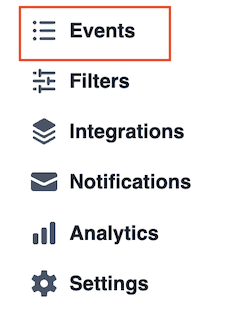
Access the Events page from the side menu in your ServvAI dashboard.
All created events are displayed in a table with the following columns:
- Title
- Date
- Time
- Location
- Type (One-time/Recurring)
- Status

Use the Upcoming/Past Event Toggle
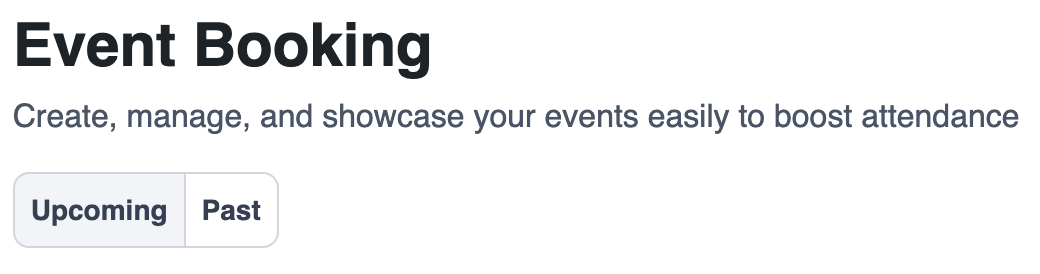
Switch between viewing upcoming and past events:
- Upcoming Events: Displays all events that have not yet started.
- Past Events: Shows all events that have concluded.
Filter and Search Events
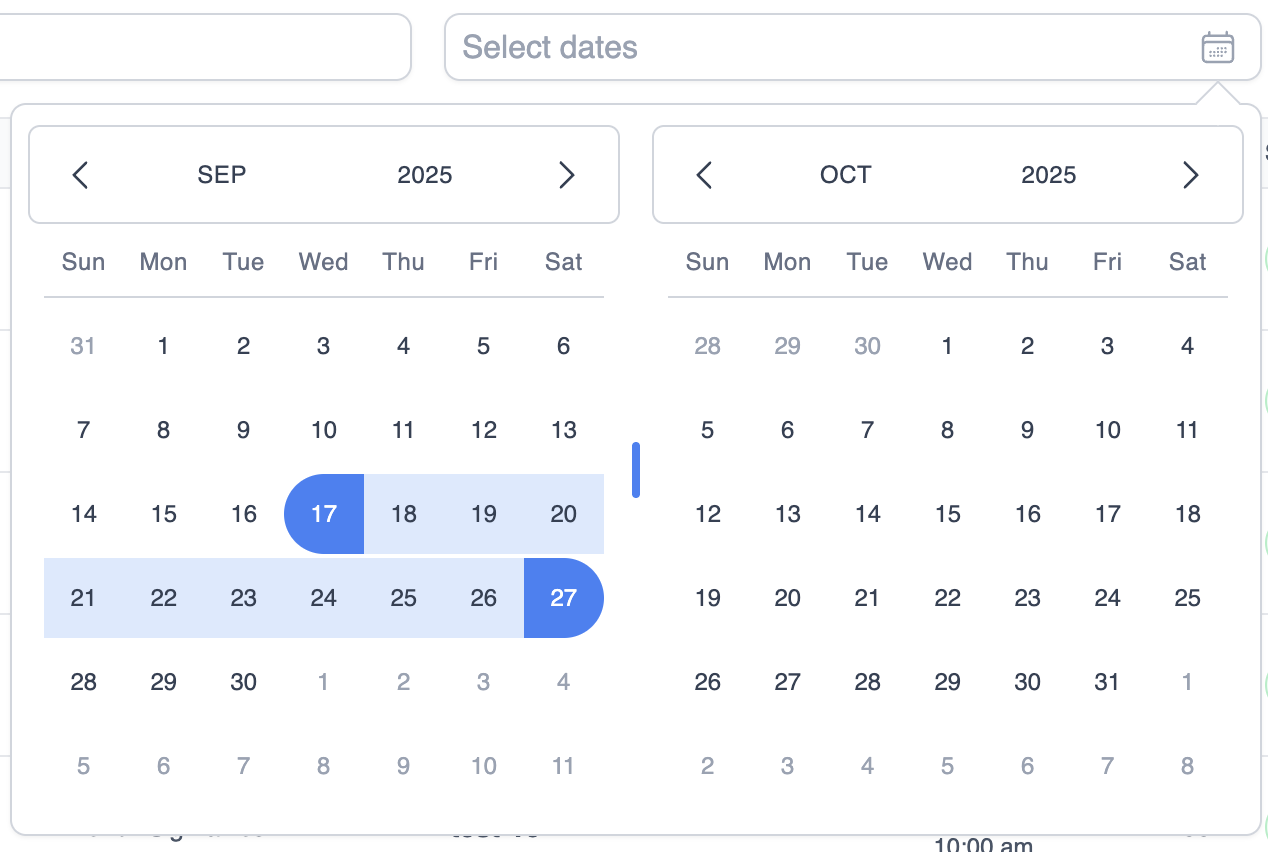
Locate specific events with ease:
- Search by Title: Type part of an event’s name to quickly find it.

- Filter by Date Range: Use the date picker to view events within a specific time frame.
Need Help?
For further assistance:
- Visit our FAQs
- Submit a Support Request Form
- Chat with us directly from your ServvAI dashboard
We’re here to help — every step of the way.