Add Location Filter
Access the Filter Dashboard
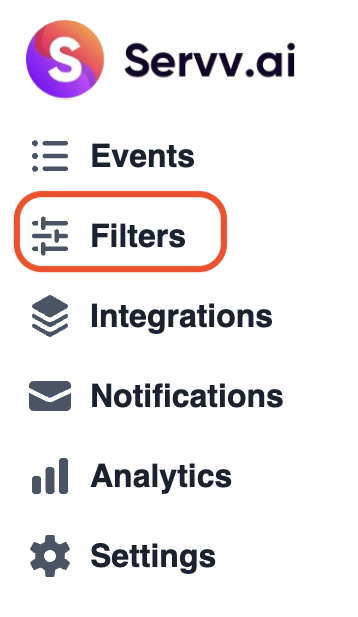
From your ServvAI side bar, go to Filters. This section manages all available filter types.
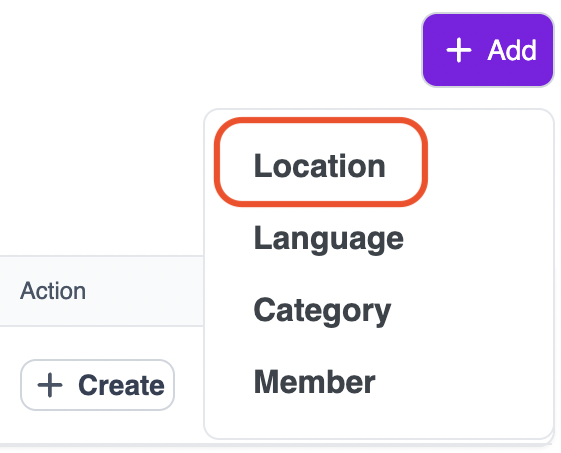
Click the Add button at the top right to begin creating a new filter then select Location.
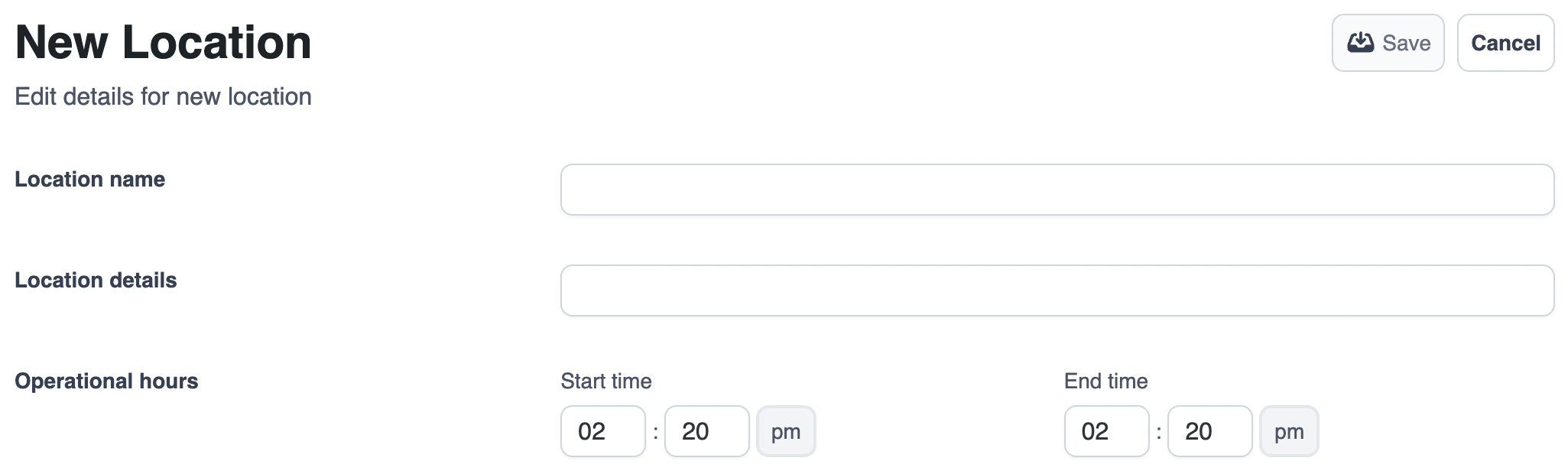
Fill Out Location Details and save
Location Name – e.g., “New York City” or “London”.
Location Details – Optional notes like venue name or address.
Operational Hours – Define when the location is active or available.
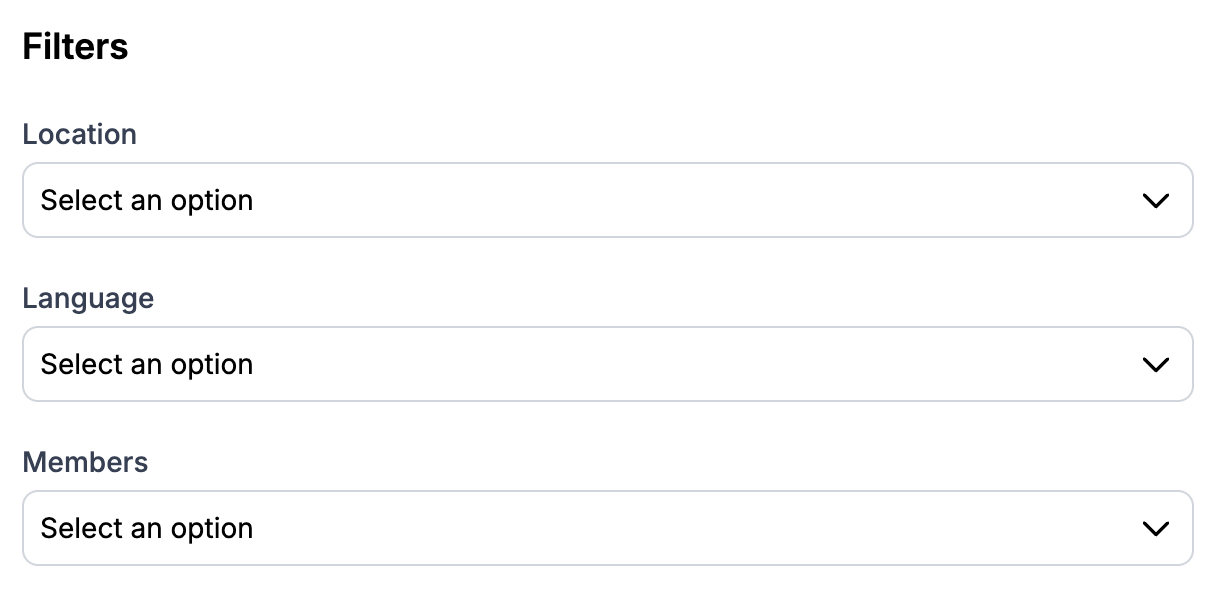
The newly created location filter will now be available as an option when creating or editing any event.
Related Links
Create Event - https://support.servv.ai/pages/getting-started/events/createevent/
Edit Event - https://support.servv.ai/pages/getting-started/events/edit/
Create Location Filter - https://support.servv.ai/pages/getting-started/filters/locationfilter/
Create Member Filter - https://support.servv.ai/pages/getting-started/filters/memberfilter/
Create Category Filter -https://support.servv.ai/pages/getting-started/filters/categoryfilter/
Need Help?
If you’re stuck or need further assistance:
- Check our FAQs
- Reach out via Support Request Form
- Chat with us directly from your ServvAI dashboard
We’re here to help — every step of the way.