Troubleshooting: ServvAI Event Booking Plugin
If you’re experiencing issues with the ServvAI Event Booking plugin on your WordPress site, follow these steps to diagnose and resolve common problems.
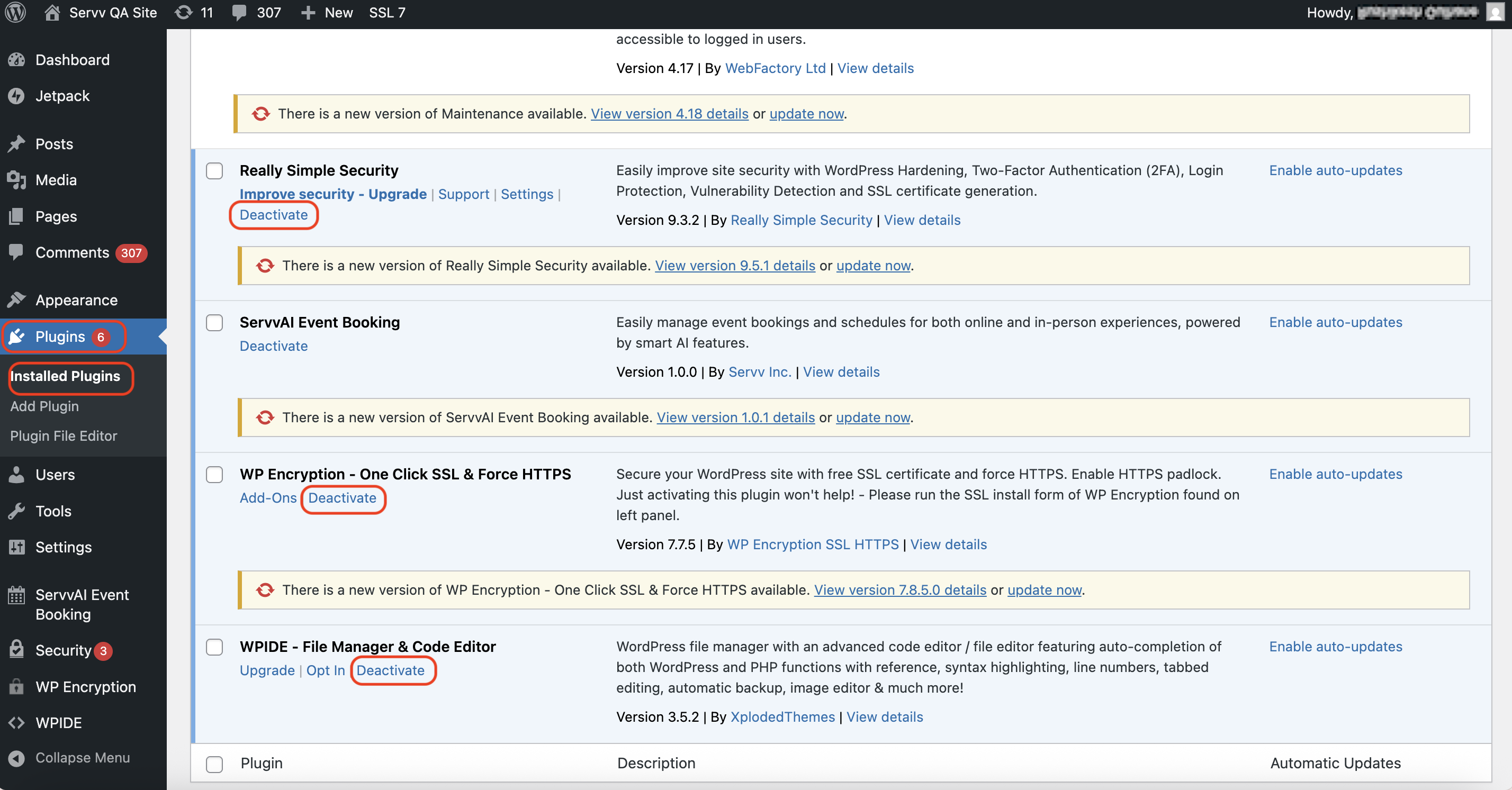
1. Check for Plugin Conflicts
- Deactivate all other plugins temporarily to see if the issue persists.
- If the problem resolves, reactivate plugins one by one to identify the conflicting plugin.
- Common culprits include caching, security, or other event-related plugins.
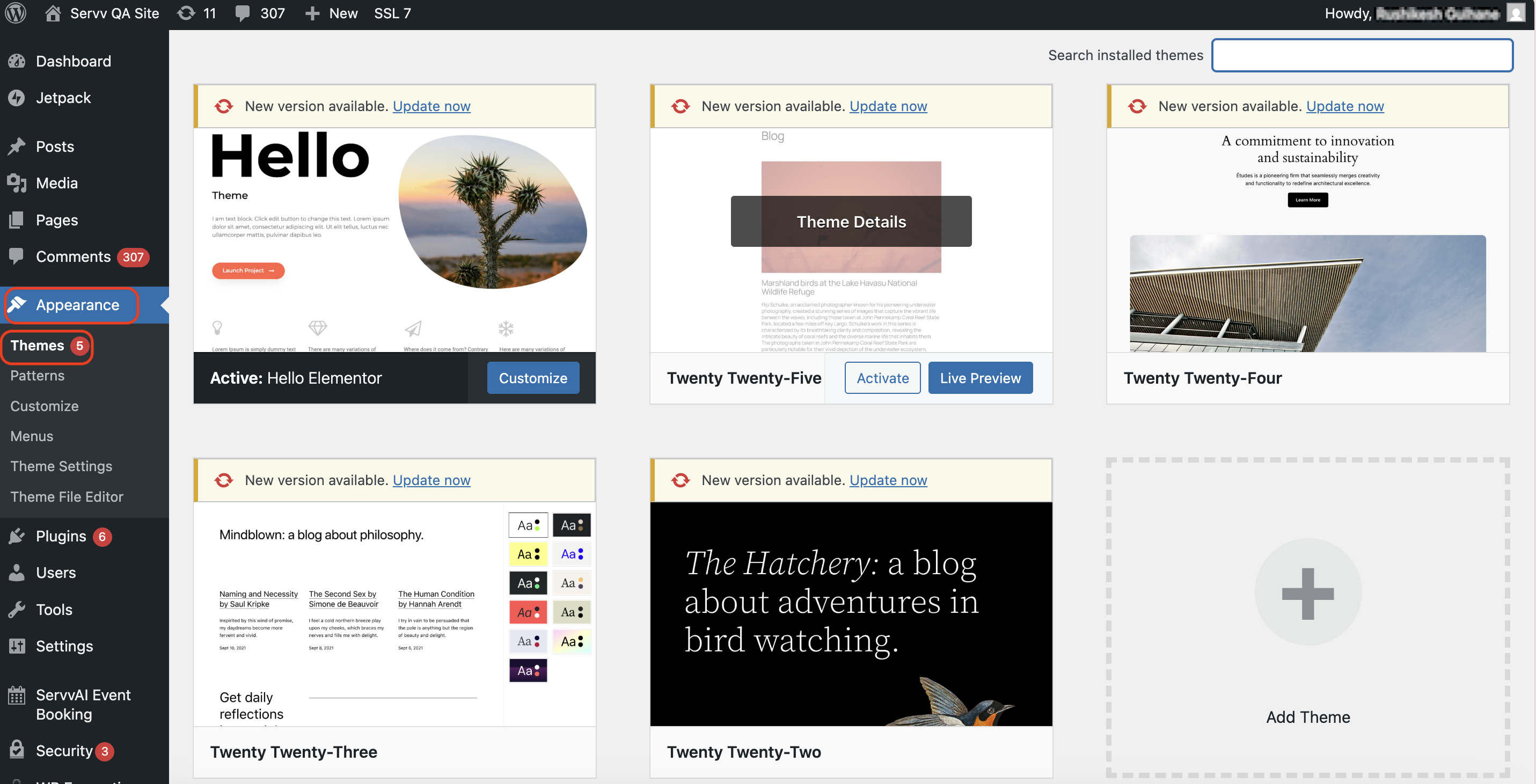
2. Switch to a Default WordPress Theme
- Temporarily switch your theme to a default WordPress theme (like Twenty Twenty-One) to rule out theme-related issues.
- If the problem is resolved, your theme may be incompatible with the plugin.
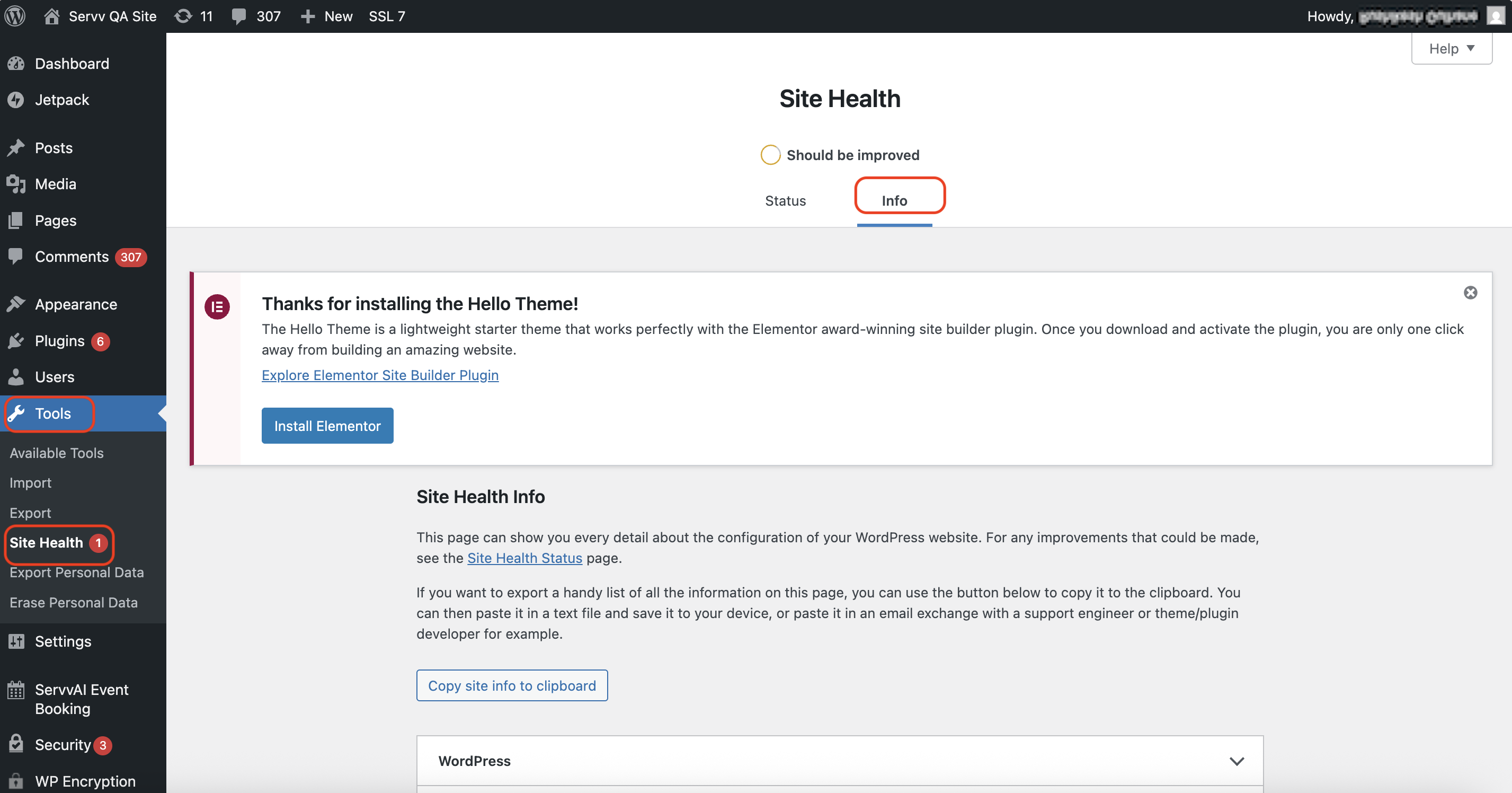
3. Check Server Requirements
Ensure your server meets the following requirements:
- PHP Version: 7.4 or higher
- WordPress Version: 5.0 or higher
- Permalinks: Enabled and properly configured
- .htaccess: Writable by WordPress

4. Enable Debugging
Add the following lines to your wp-config.php file to enable debugging:
define( 'WP_DEBUG', true );
define( 'WP_DEBUG_LOG', true );
define( 'WP_DEBUG_DISPLAY', false );
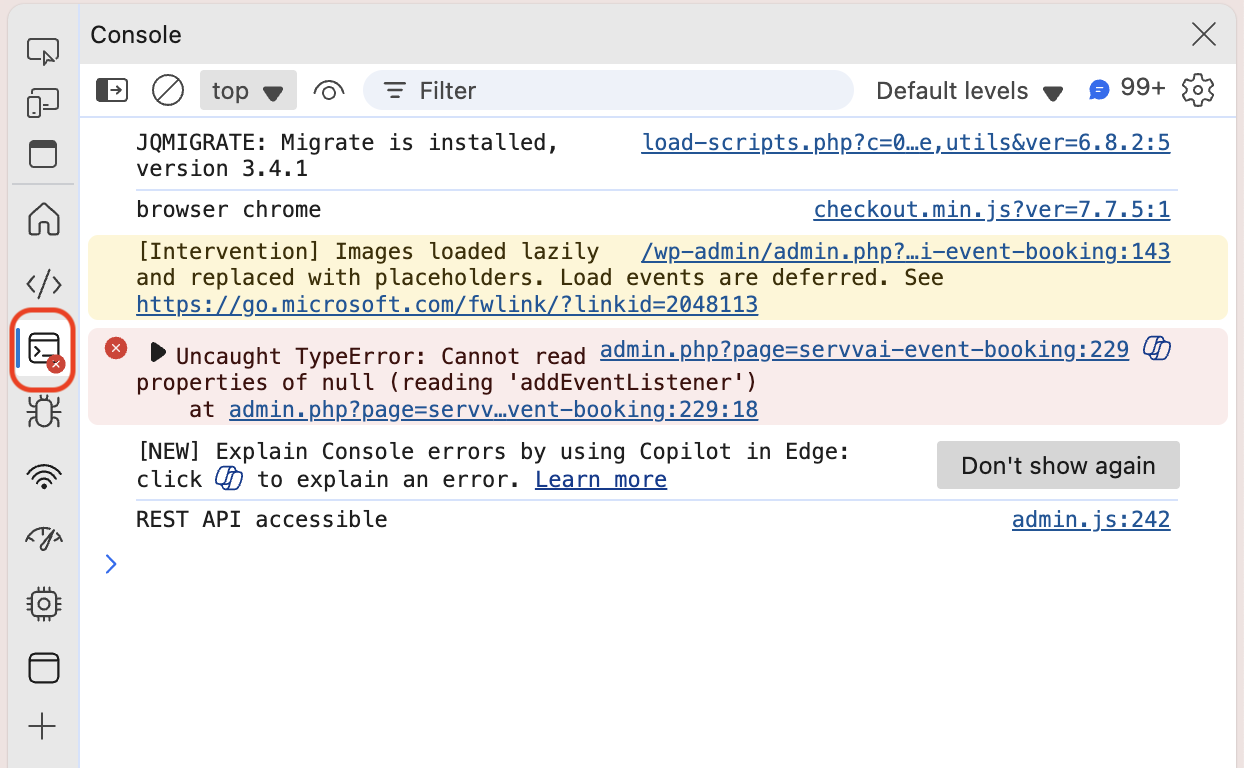
5. Check for JavaScript Errors
- Open your browser’s developer tools (usually by pressing F12) and go to the Console tab.
- Look for any JavaScript errors that might be affecting the plugin’s functionality.
6. Review Server Logs
- Check your server’s error logs for any messages related to the plugin.
- This can provide insights into server-side issues affecting the plugin’s performance.
7. Contact Support
If the issue persists after following these steps:
- Submit a Support Ticket: Visit the ServvAI Support Center to submit a detailed support ticket.
- Provide Details: Include information such as:
- WordPress version
- Plugin version
- Steps to reproduce the issue
- Any error messages received
- Screenshots or screen recordings, if possible
By following these steps, you can effectively troubleshoot and resolve common issues with the ServvAI Event Booking plugin on WordPress.